
Roles and permissions
What each person can see and change, built-in roles, custom roles and the audit log.
Every person in a workspace has one role. The role decides what they see in the dashboard and what they can change. Manage roles in Settings → Team & roles (you need the Manage team permission).
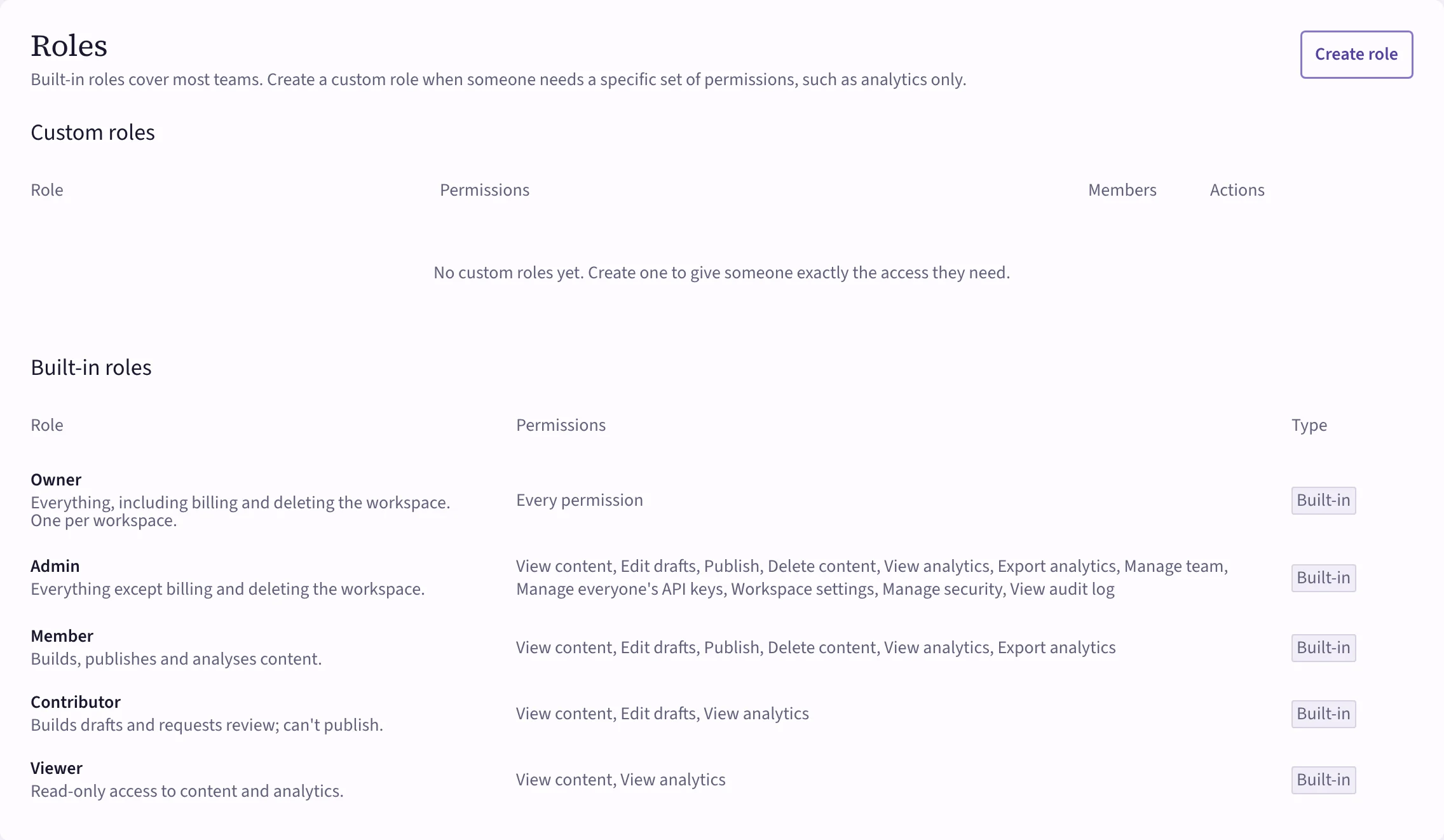 (opens the full-size image)
Built-in roles
| Role | For | Permissions |
|---|---|---|
| Owner | One per workspace | Everything, including billing and deleting the workspace. |
| Admin | People who run the workspace | Everything except billing and deleting the workspace. |
| Member | People who build and ship guidance | View content, Edit drafts, Publish, Delete content, View analytics, Export analytics. |
| Contributor | People who draft but shouldn't publish | View content, Edit drafts, View analytics. They request a review to publish. |
| Viewer | Stakeholders | View content, View analytics. Read only. |
Custom roles
When nobody's built-in role fits, such as "analytics only" or "publish but don't manage the team", choose Create role, name it and pick its permissions:
- Content: View content, Edit drafts, Publish, Delete content.
- Analytics: View analytics, Export analytics.
- Workspace: Manage team, Manage everyone's API keys, Workspace settings, Manage security, View audit log.
Billing and deleting the workspace stay with the owner; a custom role can't include them. Assign the role to people from the Members table, or with an invite.
The audit log
Audit log in the side menu records who did what: publishing, changes to settings, members and keys, sign-ins and more. Filter by action, person and date, and export it as CSV. You need the View audit log permission.