Run product-led growth from first visit to paid plan
Product-led growth means the product does the selling: people see it before they talk to anyone, get value on their own and upgrade when they need more. It breaks at three handoffs: website to signup, signup to first result, and first result to paid. This is how to cover all three with one tool.
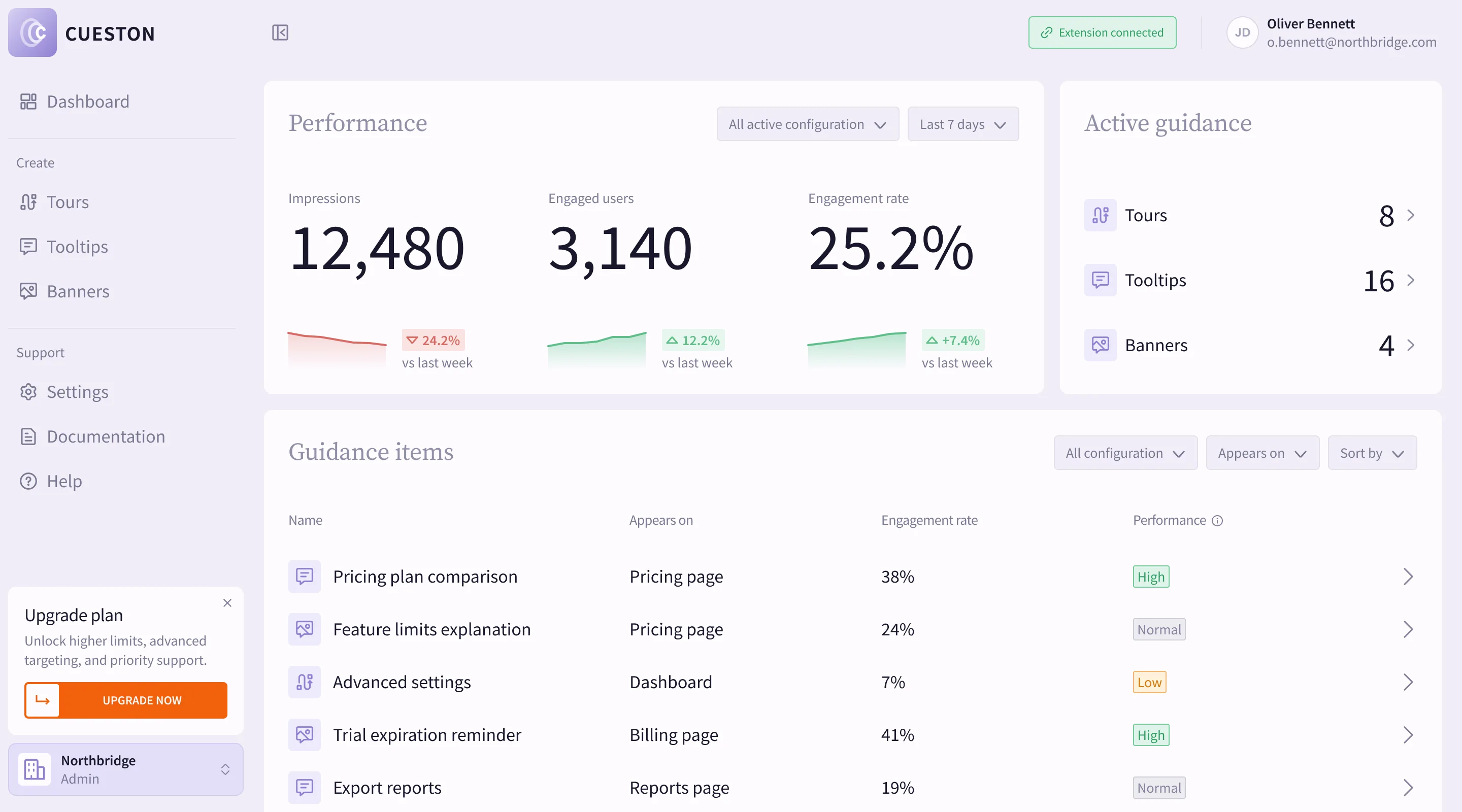
Where self-serve funnels leak
Most PLG stacks are three tools that don’t talk: a demo tool on the website, an onboarding tool in the app and an analytics tool to see what happened. Each one has its own user list and its own bill, and nobody can see the whole path from visit to upgrade.
The usual result: a buyer watches a demo, signs up, sees an empty dashboard and leaves. Nobody knows which of those three steps lost them.
The plan, in order
Each step names the part of Cueston it uses.
Let visitors see the product before signup
The sales agent answers questions on your website and walks through the workflows that matter to each visitor, then ends with your call to action: Start free.
Uses: Sales agent, Sales playbook
Define the first result
Pick the one action that shows your product works, like sending the first invoice. Make it a task so you see how many new users manage it and how long it takes.
Uses: Product analytics
Get new signups to it
A checklist of three to five tasks, each with a button that starts a short tour. Items tick themselves when an event fires or a page is visited.
Uses: Checklists, Product tours
Answer questions inside the app
The product agent answers how-to questions from your real interface and help docs, and points at the button. Nobody has to book a call to learn the basics.
Uses: Product agent
Show the paid plan at the right moment
A banner shown only to people on your trial plan, or an announcement with a button that opens the upgrade page. Schedule it, and cap how often each person sees it.
Uses: Banners, Announcements
Prove each step moved the number
Give each tour and banner a goal, such as visiting the billing page, and hold back a control group to see if it made a difference.
Uses: Product tours, Banners
What to watch
- Qualified demos
- How many website conversations qualified and clicked Start free.
- Task success for the first result
- The share of new users who complete it, the median time and the step where the rest stop.
- Checklist funnel
- How far people get through onboarding, item by item.
- Goal conversion by group
- For a tour or banner with a control group: the goal rate with and without it, and whether the difference is significant at 95% confidence.
- Retention
- Weekly cohorts of people who did the key action and came back in the weeks after.
Where Cueston stops
- Cueston doesn’t run your billing or paywall. It shows the right message; your app does the upgrade.
- Product analytics has no account-level reporting or warehouse sync. If PLG for you means product-qualified accounts in your CRM, keep a dedicated analytics tool next to it.
- Tours run in a fixed order. They don’t branch on what the user does.
- Control groups are on Ascent and Orbit. Goals without a control group work on every plan.
Questions
No. Steps 2 to 6 run on any in-app plan. The sales agent is a separate product for the website, priced by quote.
Try it on your own product
Start free with unlimited users and no card, or get a short walkthrough on your app.