Chrome extension
Point at the element instead of writing a CSS selector
The Cueston extension opens your site in a new tab. Hover to highlight an element, click to pick it for a tour step or a tooltip.
Trusted by 200+ growing SaaS companies






What you get
For your team only
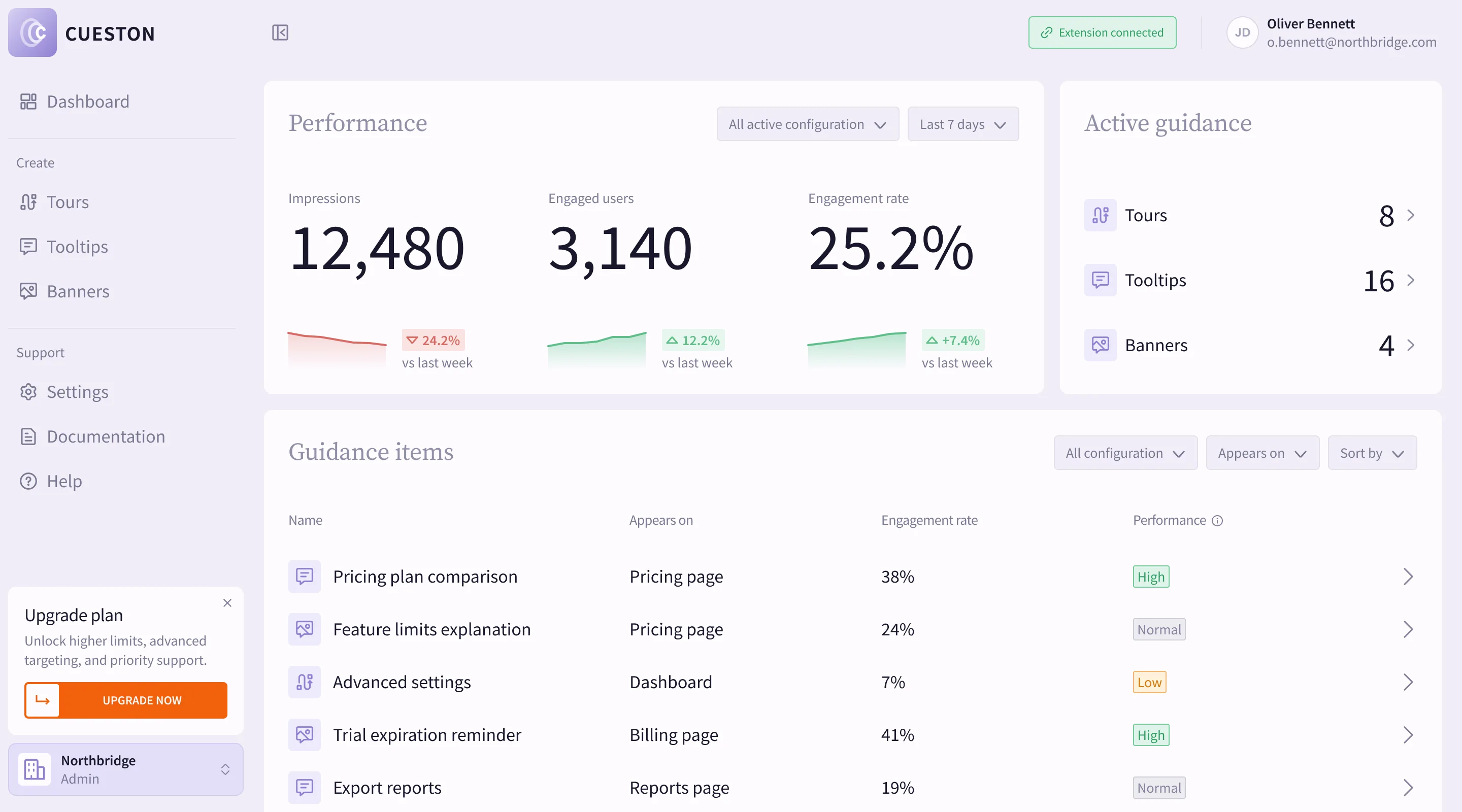
Your users don't need the extension. They see guidance through the snippet on your app.
Connects in one click
Choose Connect Chrome extension in Settings → API keys. Cueston creates a key and hands it over securely.
Acts as you
The extension works with your role in the workspace, and nothing more.
How it works
From an idea to live guidance, without waiting on a release.
Install it
Get Cueston from the Chrome Web Store and choose Add to Chrome.
Connect your workspace
In Settings → API keys, choose Connect Chrome extension. No extension detected? Create a key and paste it under Connect with API key.
Pick an element
In a tour step or a tooltip, choose Pick element. Hover to highlight, click to pick.
What's included
- No selectors to type
- Pick the button or field you mean on the live page. Cueston saves the selector for you.
- Works on your own site
- Choose Pick element and your site opens in a new tab, ready to pick from.
- Uses a revocable key
- The extension uses a secret API key you can see and revoke in Settings → API keys.
- Lost device? Revoke it
- If you lose the device, revoke the extension's key in Settings → API keys.
Questions
No. It is only for the people who build guidance. Your users see tours and tooltips through the snippet.
See it on your own product
Get a short walkthrough of Cueston on your app, or start free and build your first one today.